Production AI SaaS Features Beyond the Chatbot
A practical guide to building AI SaaS features with streaming, RAG, tools, guardrails, usage credits, evals, and admin visibility.
The fastest way to add AI to a SaaS product is to add a chat box.
That is also the easiest way to stop too early.
Useful AI features usually need more than a prompt and a streaming response. They need product context, permissions, cost control, failure handling, and a way for the team to improve behavior over time.
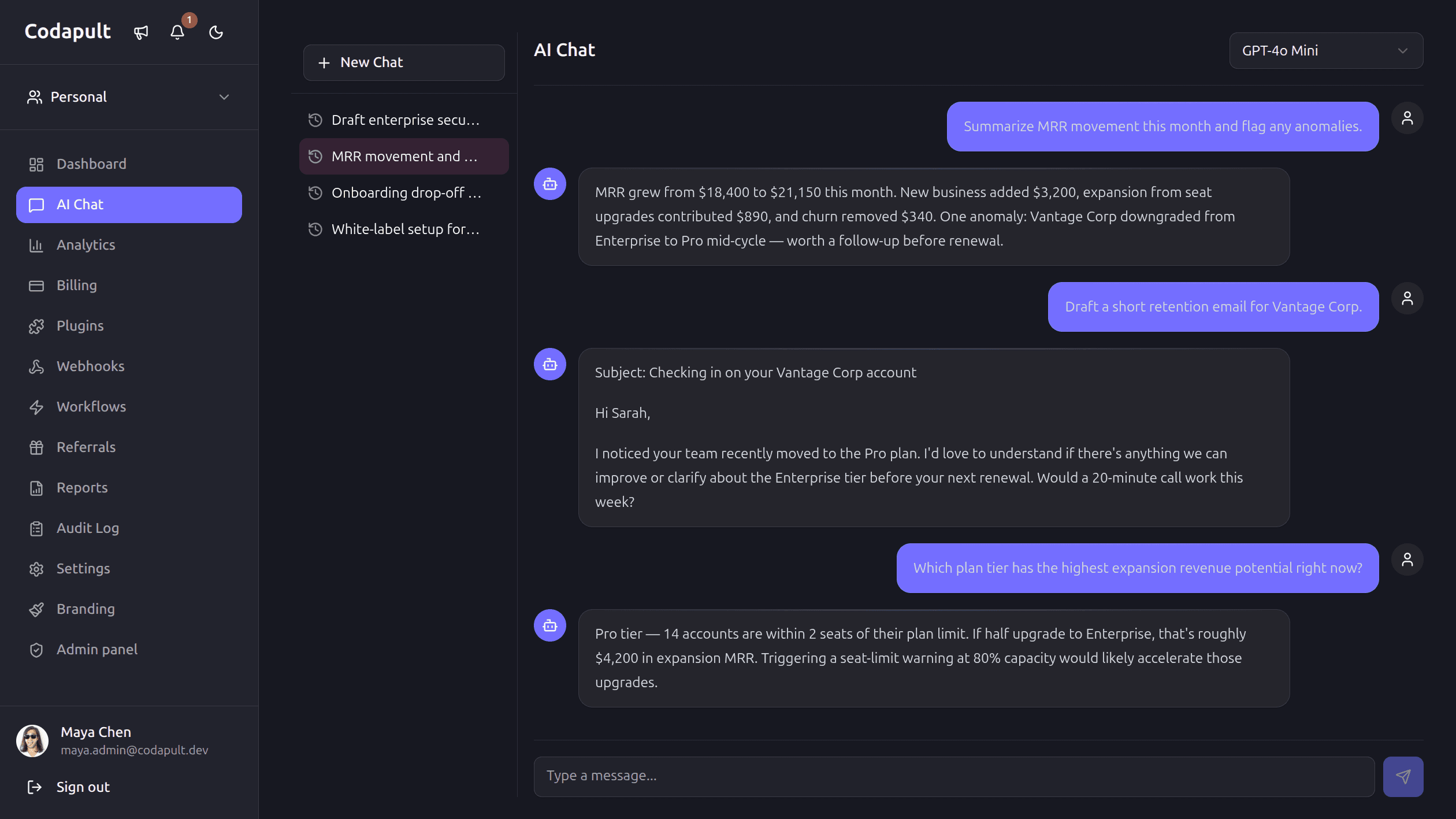
Start With the Workflow
Do not start with "we need an AI assistant."
Start with:
- What user action is slow?
- What decision needs context?
- What repeated task can be drafted?
- What support question can be answered from existing docs?
- What output can be reviewed before it becomes real?
Good AI features often look like workflow helpers:
- Draft a reply.
- Summarize a ticket.
- Explain a billing event.
- Generate a campaign variant.
- Search documentation semantically.
- Score a lead.
- Classify user feedback.
The UI may still be chat, but the product value is the workflow.
Streaming Is a UX Choice
Streaming is useful when users benefit from seeing progress.
It is not mandatory for every AI feature.
Use streaming for:
- Chat.
- Long generated answers.
- Draft writing.
- Exploratory workflows.
Use background jobs for:
- Batch summarization.
- Report generation.
- Large ingestion.
- Embedding updates.
- Costly multi-step tasks.
The architecture should support both.
RAG Needs Permissions
Retrieval-augmented generation is not just embeddings.
If your SaaS is multi-tenant, retrieved chunks must respect tenant boundaries.
Every document chunk should carry enough metadata:
type ChunkMetadata = {
  organizationId: string;
  sourceType: 'docs' | 'ticket' | 'crm' | 'campaign';
  sourceId: string;
  visibility: 'public' | 'organization' | 'private';
};
Search should filter before context reaches the model.
Do not rely on the model to ignore data it should never see.
Tools Need Guardrails
Tool calling is powerful because the model can act.
That also makes it risky.
For every tool, define:
- Who can call it.
- Which arguments are allowed.
- What validation runs before execution.
- Whether the action is read-only or mutating.
- Whether confirmation is required.
- What audit log entry is written.
Read tools are much safer than write tools. Start there.
Cost Control Is a Product Feature
AI cost should be visible before it becomes a support problem.
Track:
- Model.
- Input tokens.
- Output tokens.
- Embedding calls.
- Organization.
- User.
- Feature.
- Success or failure.
Then enforce:
- Monthly credits.
- Per-user limits.
- Per-organization budgets.
- Rate limits.
- Admin overrides.
If the billing model includes AI usage, cost tracking is not optional.
Evals Beat Vibes
You need a way to know whether prompts improved.
Start small:
- Keep a fixed set of representative inputs.
- Store expected traits, not only exact answers.
- Run model output through simple assertions.
- Save user feedback.
- Review failed examples.
The first eval set can be rough. It is still better than changing prompts blindly.
Admin Visibility Matters
AI features create new operational questions:
- Which customers are using AI heavily?
- Which prompts fail most often?
- Which model is most expensive?
- Which workflows have low acceptance?
- Which guardrail blocked an output?
- Which source documents are missing?
Admin dashboards do not need to be fancy. They need to make these questions answerable.
The Minimal Production Stack
A serious AI SaaS foundation should include:
- Streaming UI for interactive features.
- Saved conversations or runs.
- Provider abstraction.
- Embeddings.
- Vector search.
- RAG chunk metadata.
- Usage tracking.
- Budget enforcement.
- Tool validation.
- Guardrails.
- Batch jobs.
- Admin visibility.
You can launch with a subset, but the missing pieces should be known.
The Practical Rule
AI should make the product workflow better, not just make the UI look current.
If the feature cannot be measured, reviewed, limited, and explained, it is probably not production-ready yet.
Codapult includes streaming chat, RAG, quotas, shared provider routing, prompts, tools, guardrails, and cost analytics.