Your SaaS Admin Dashboard Is an Operations Product
Why a SaaS admin dashboard needs user management, subscriptions, feature flags, audit logs, webhooks, exports, and observability before launch.
The admin dashboard is where your team operates the business. If it is missing, support work moves into database consoles, payment provider dashboards, chat messages, and ad hoc scripts.
That creates risk. A good admin dashboard is an internal product.
Start with the Support Questions
Your admin dashboard should answer the questions support will ask every day:
- Who is this user?
- Which organization do they belong to?
- What plan are they on?
- Is their subscription active?
- What did they do recently?
- Did a webhook fail?
- Are they in a feature rollout?
- Can we export their data?
- Can we safely impersonate them?
Design the dashboard around those workflows, not around abstract metrics.
The Overview Page
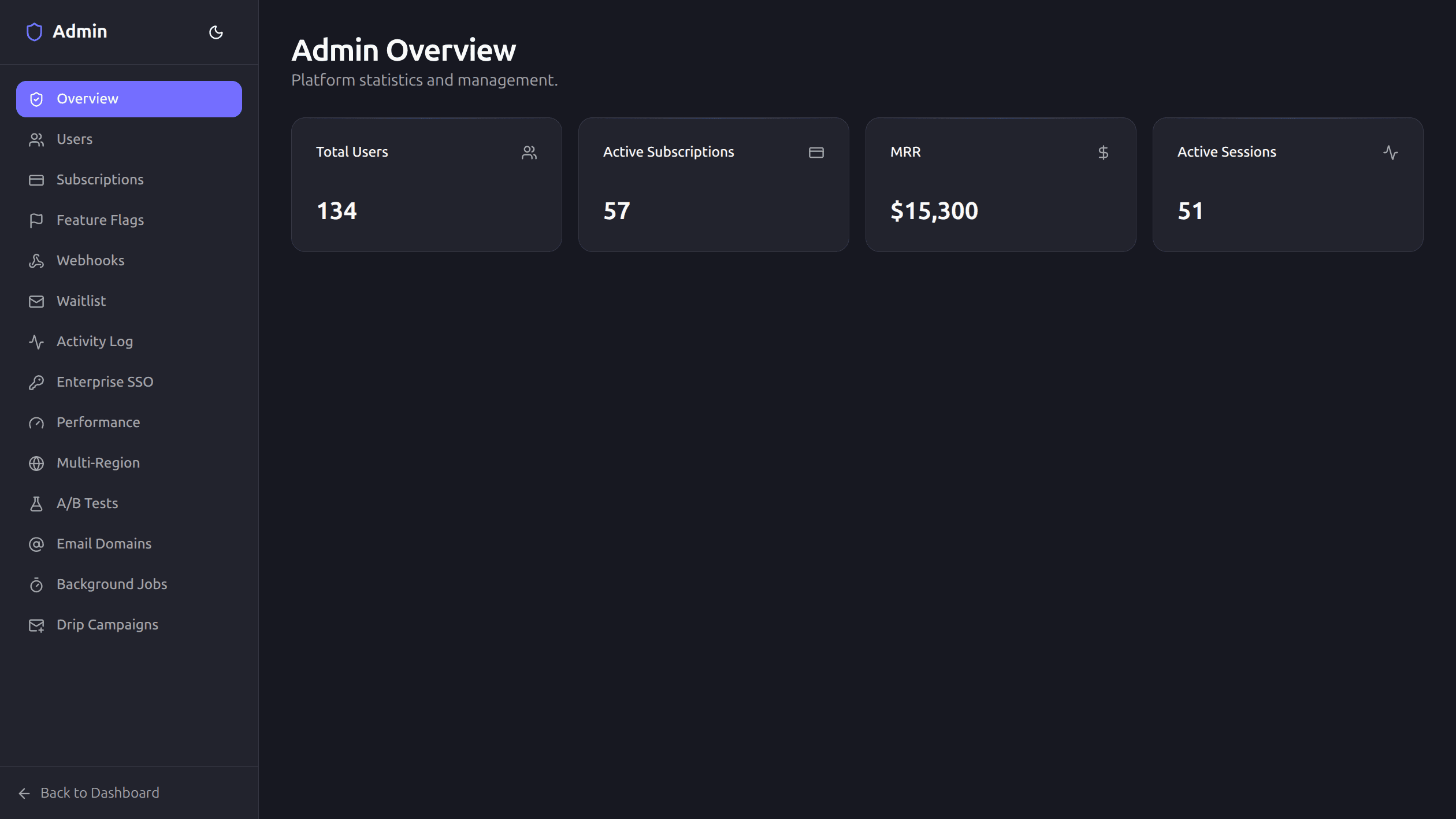
The admin overview should show a small number of high-signal metrics:
- Total users.
- Active subscriptions.
- MRR.
- Active sessions.
- Recent alerts.
- Failed jobs or webhooks.
User Management
A useful users page needs:
- Search.
- Pagination.
- Name, email, avatar, role.
- Created date.
- Role changes.
- Export.
- Safe deletion or deactivation.
- Impersonation entry point.
Every action should be permission-checked and logged.
Subscription Management
Billing support needs a fast view of:
- Customer email.
- Provider.
- Plan.
- Status.
- Seats.
- Renewal date.
- Cancellation state.
- Trial state.
Do not require support to open Stripe for every question.
Feature Flags
Feature flags belong in admin because rollout is operational:
- Turn feature on or off.
- Set rollout percentage.
- Describe the flag.
- See when it changed.
- Roll back quickly.
Flags without clear names and owners become clutter. Keep them reviewed.
Audit Logs
Audit logs should capture sensitive actions:
- Role changes.
- Billing changes.
- SSO configuration.
- Data exports.
- Impersonation.
- Webhook retries.
- Feature flag updates.
The admin UI should make these logs searchable and readable.
Webhook Visibility
Webhook problems are common and hard to debug without UI.
Show:
- Provider or destination.
- Event type.
- Status.
- Attempts.
- Status code.
- Error message.
- Next retry.
- Dead-letter state.
Add a retry action with rate limits and logging.
Exports
Exports help with support, compliance, and operations.
Useful exports:
- Users.
- Subscriptions.
- Waitlist.
- Activity logs.
- Feature requests.
Keep exports permission-checked. Admin convenience should not bypass data governance.
Performance and Errors
Admin should surface production health:
- Recent errors.
- Web vitals.
- Slow routes.
- Failed jobs.
- Queue health.
- Region or replica state.
You do not need a full observability platform inside admin, but you need enough context to triage.
A Simple Rule
If your team has to ask an engineer to answer a routine customer question, the admin dashboard is missing a workflow.
Build admin early enough that operations does not become a collection of manual scripts.
Codapult ships with the full admin panel described here: user management, subscription support, waitlist, jobs, SSO, feature flags, audit logs, webhook delivery logs, performance metrics, and A/B test management — all at /admin, restricted to users with the admin role. The admin docs summarize the surface.