Building AI Features in SaaS Without Shipping an Empty Chat Wrapper
How to design useful AI SaaS features with provider routing, prompt management, tools, guardrails, analytics, budgets, and product workflows.
Many SaaS apps add AI by putting a chat box in the dashboard. That is rarely enough. A useful AI feature needs context, permissions, workflows, cost controls, and measurable outcomes.
This is the practical foundation.
Start with a Product Workflow
Do not ask, "Where can we add AI?" Ask, "Which workflow becomes faster, cheaper, or better with AI?"
Good examples:
- Draft a support response from a ticket thread.
- Summarize customer activity before a sales call.
- Classify incoming leads.
- Generate onboarding tasks from imported data.
- Explain analytics changes.
- Suggest next actions in a workflow.
The best AI features are embedded in product context.
Use Chat Only When Chat Is the Workflow
Chat is useful for exploration, support, and assistant-style products. It is not always the right UI.
Other patterns:
- Inline suggestions.
- Draft generation.
- Review queues.
- Background enrichment.
- Classification.
- Extraction.
- Search and summarization.
If users have to copy data into a chat box, the feature is probably not integrated enough.
Add Provider Routing
AI providers differ in latency, price, model strengths, and availability. A production system should avoid hard-coding one provider everywhere.
Useful routing features:
- Model selector.
- Provider fallback.
- Per-feature default model.
- Organization-level model policy.
- Retry behavior.
- Timeout handling.
This turns AI from a demo into infrastructure.
Version Prompts
Prompts are product logic. Treat them like code:
- Give prompts names.
- Store versions.
- Track which version produced which output.
- Add test cases.
- Roll back bad changes.
- Separate system instructions from user data.
Without prompt versioning, debugging AI regressions becomes guesswork.
Add Tools and Permissions
AI gets much more useful when it can call tools. It also gets riskier.
Tool calls need:
- Input validation.
- Permission checks.
- Rate limits.
- Audit logs.
- Clear failure messages.
- Human confirmation for destructive actions.
An AI assistant should never have more access than the user who triggered it.
Add Guardrails Where They Matter
Guardrails should be practical:
- Block unsafe tool calls.
- Prevent prompt injection from external content.
- Avoid leaking secrets.
- Limit sensitive data in prompts.
- Validate structured outputs.
- Require citations for knowledge-base answers.
Guardrails are not a substitute for product design, but they reduce obvious failure modes.
Track Cost and Usage
AI costs can grow faster than normal infrastructure costs. Track:
- Tokens in.
- Tokens out.
- Provider.
- Model.
- Feature.
- Organization.
- User.
- Cost.
- Latency.
Then enforce:
- Daily budgets.
- Monthly budgets.
- Per-organization limits.
- Per-feature limits.
- Trial usage caps.
Measure the Outcome
Measure whether AI helps:
- Time saved.
- Draft acceptance rate.
- Resolution rate.
- Conversion rate.
- Manual edits after generation.
- Cost per successful workflow.
Raw message count is not a success metric.
The Foundation You Need
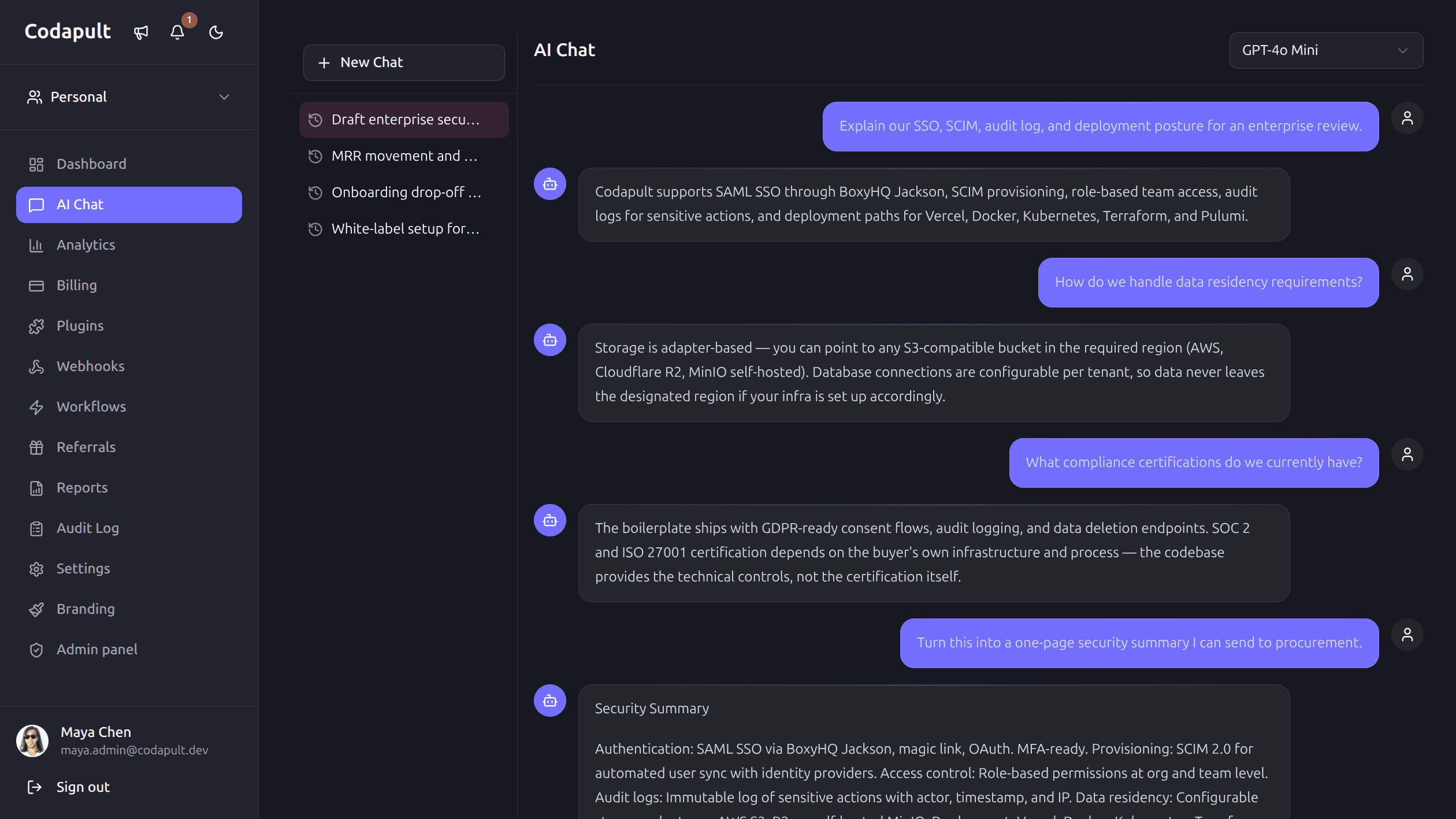
Put together, that's streaming UI where it matters, saved conversations, a provider gateway instead of a hardcoded SDK call, versioned prompts, a tool framework with real permission checks, guardrails, and enough cost tracking to know which features are worth their token spend. That's the difference between "we added AI" and "AI made this product better" — and it's a difference customers notice within the first week of using the feature, not the first demo.
Codapult includes a production AI layer built on Vercel AI SDK — streaming chat, shared gateway routing, RAG pipeline, per-user credit quotas, conversation history, prompt management, tools, agents, guardrails, and provider switching via environment variables. The AI docs list the built-in pieces.